Tutorials
Complete projects, built step by step. Where the user guide explains one topic
per chapter, a tutorial carries a single program from an empty main to something you would ship.
-
:material-numeric-1-box: Quick start, in six steps
The
quick_start_00throughquick_start_05examples, explained. An empty desktop grows a status line, a menu bar, real commands and finally global keyboard shortcuts. About twenty minutes. -
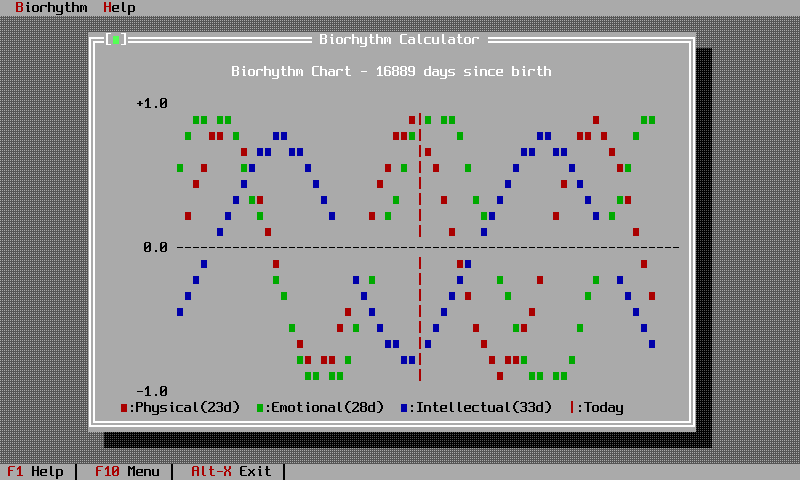
:material-chart-line: The biorhythm calculator
A full application: a data-entry dialog with a validated date field, a custom view that draws sine curves in text, window management and a status line. The longest worked example in the documentation.
Suggested order
- Read getting started and get an empty desktop running.
- Work through the quick start to see the application shell assemble.
- Build the biorhythm calculator for dialogs, validation and custom drawing.
- Read chapter 8 when you want to write a view of your own.